How to Delete Your Babble Account
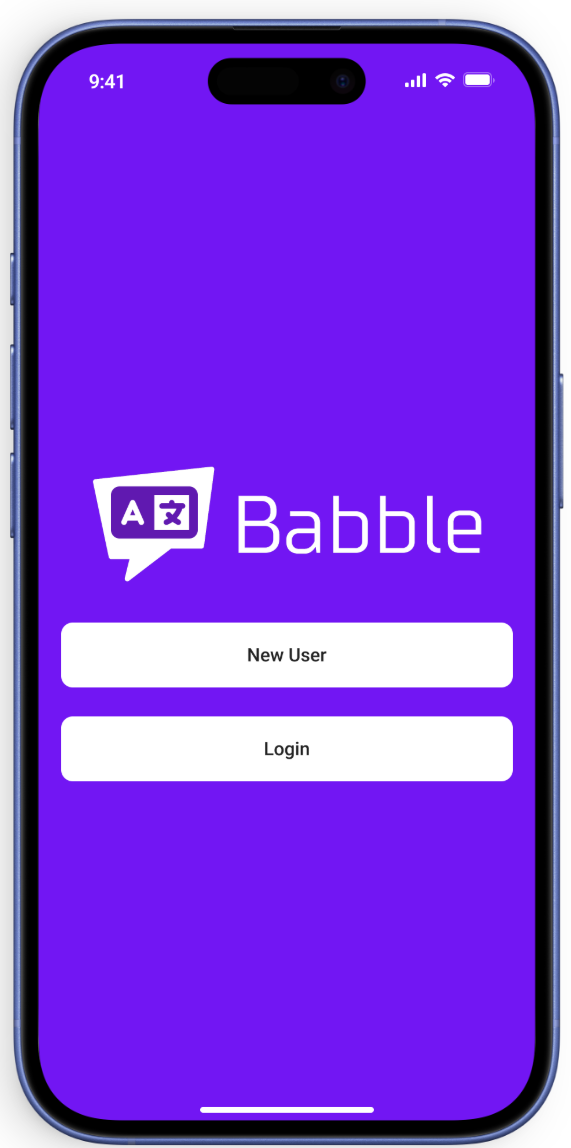
Login to your account on the Babble app
Open the Babble app on your device and log in using your current credentials. You’ll need to access your account to proceed with the deletion process.
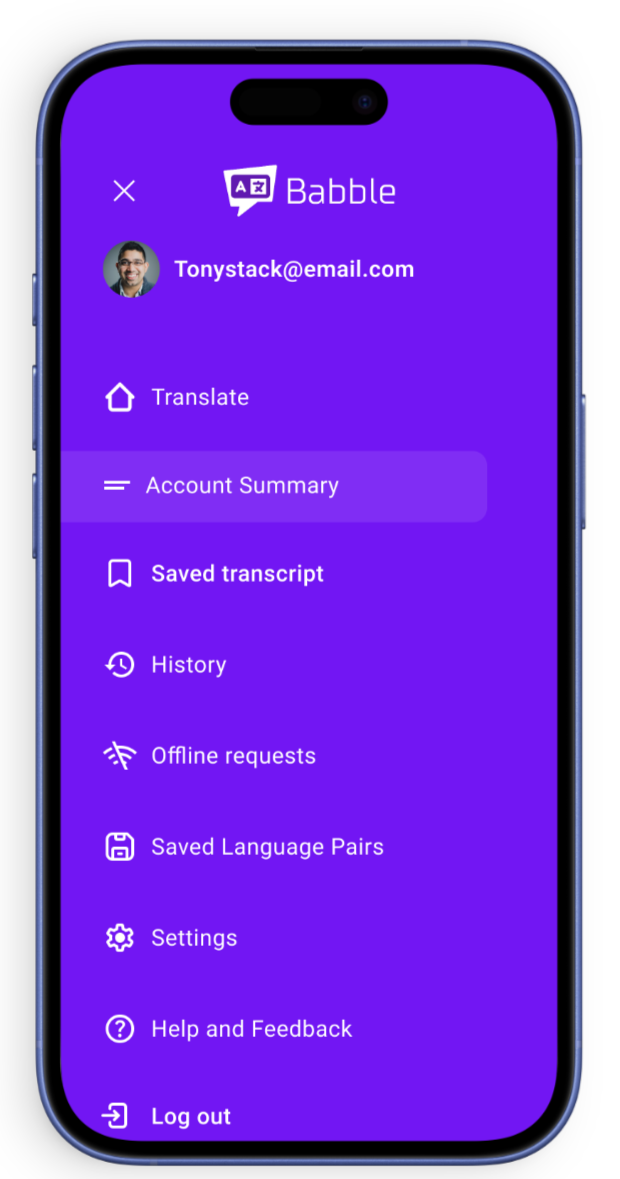
Click on the navbar and select Account Summary
Tap on the navigation menu (usually represented by three lines or your profile picture) in the top corner of the app. From the dropdown menu, select “Account Summary” to view your account details.
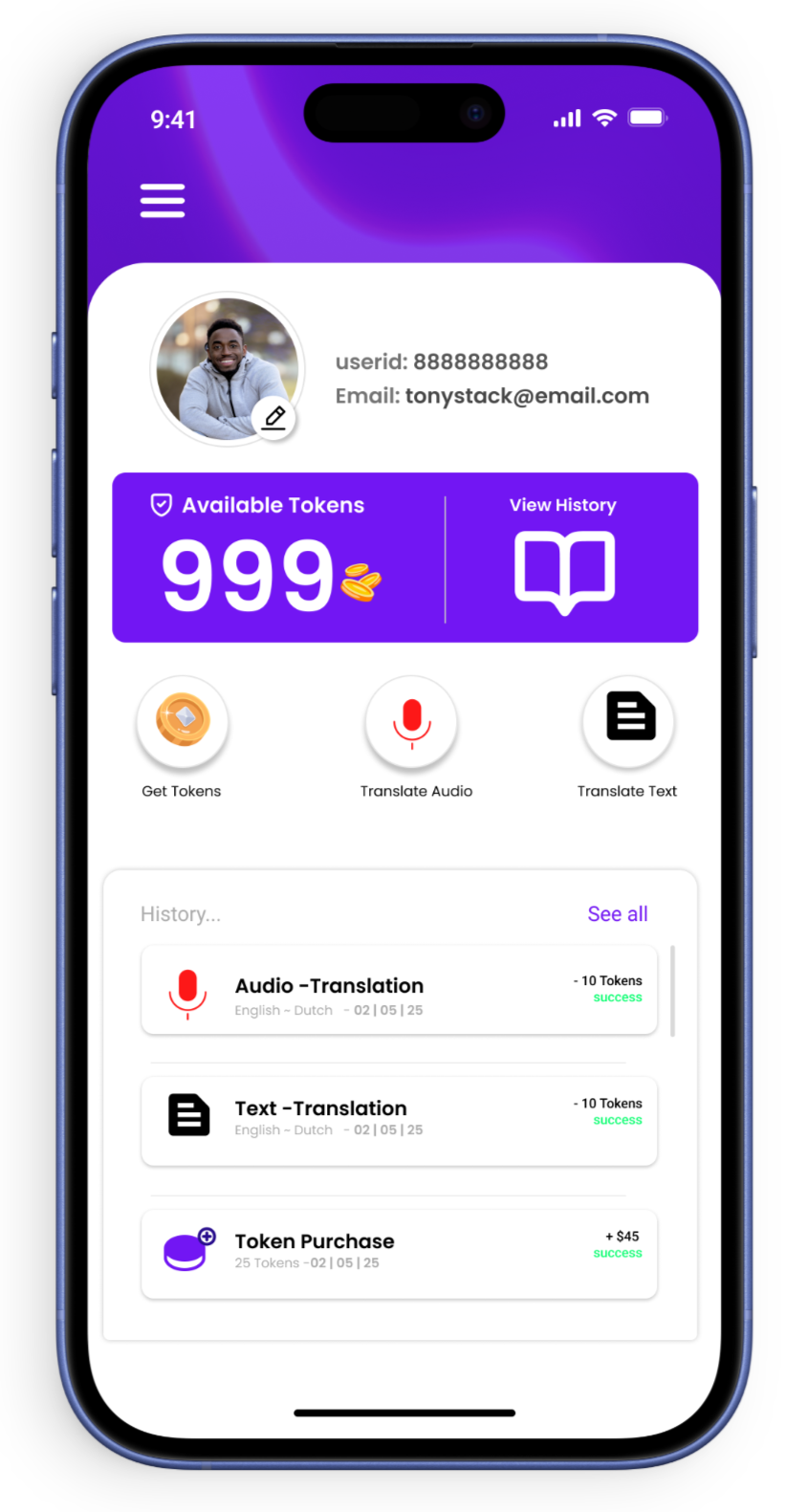
Click on the edit profile icon
On your Account Summary page, look for the edit profile icon (usually a pencil or gear symbol) and tap on it to access your profile settings.
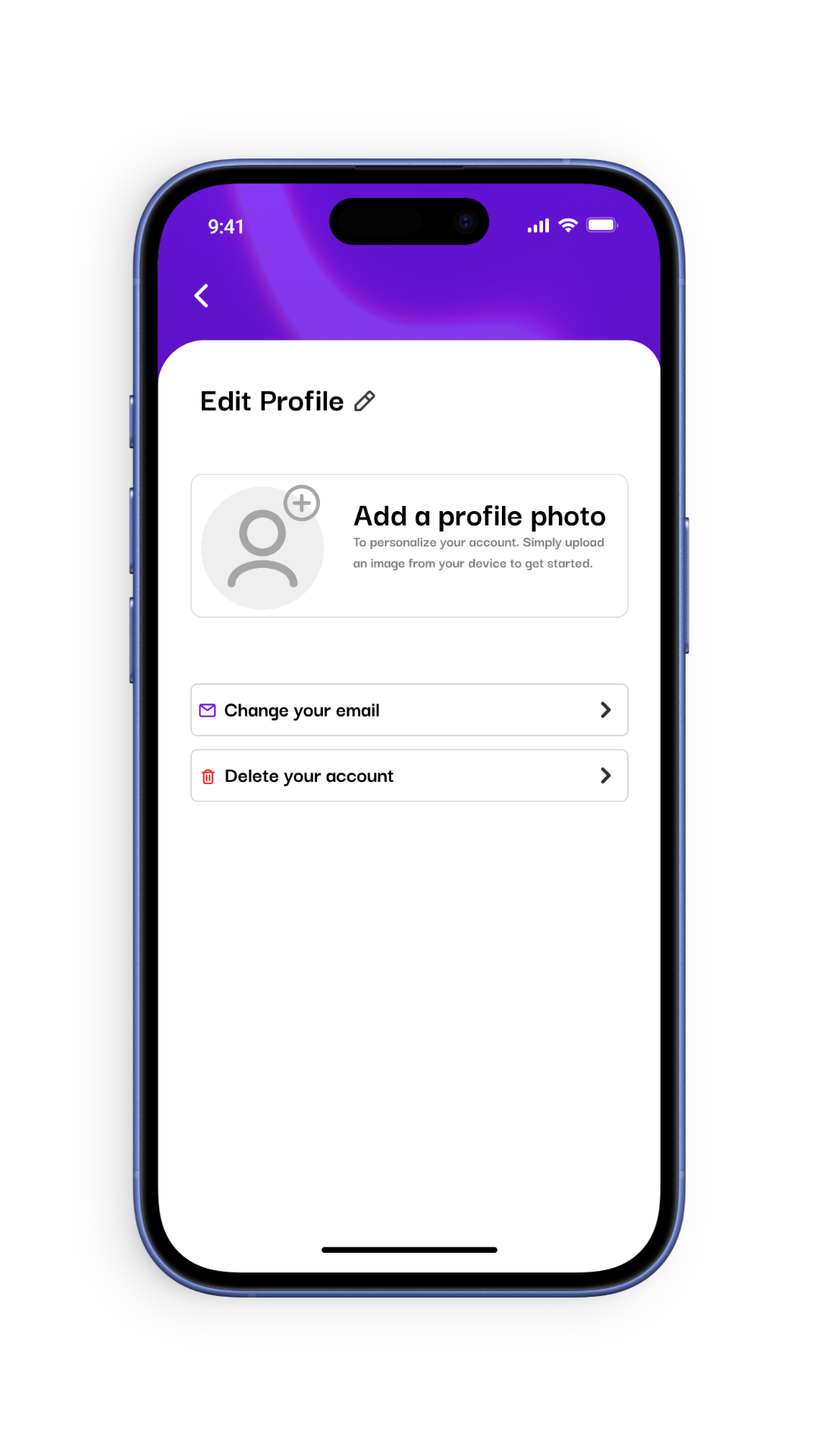
On the edit profile page select “Delete your account”
Scroll to the bottom of the Edit Profile page where you’ll find the account deletion option. This may be labeled as “Delete Account” or “Close Account”.
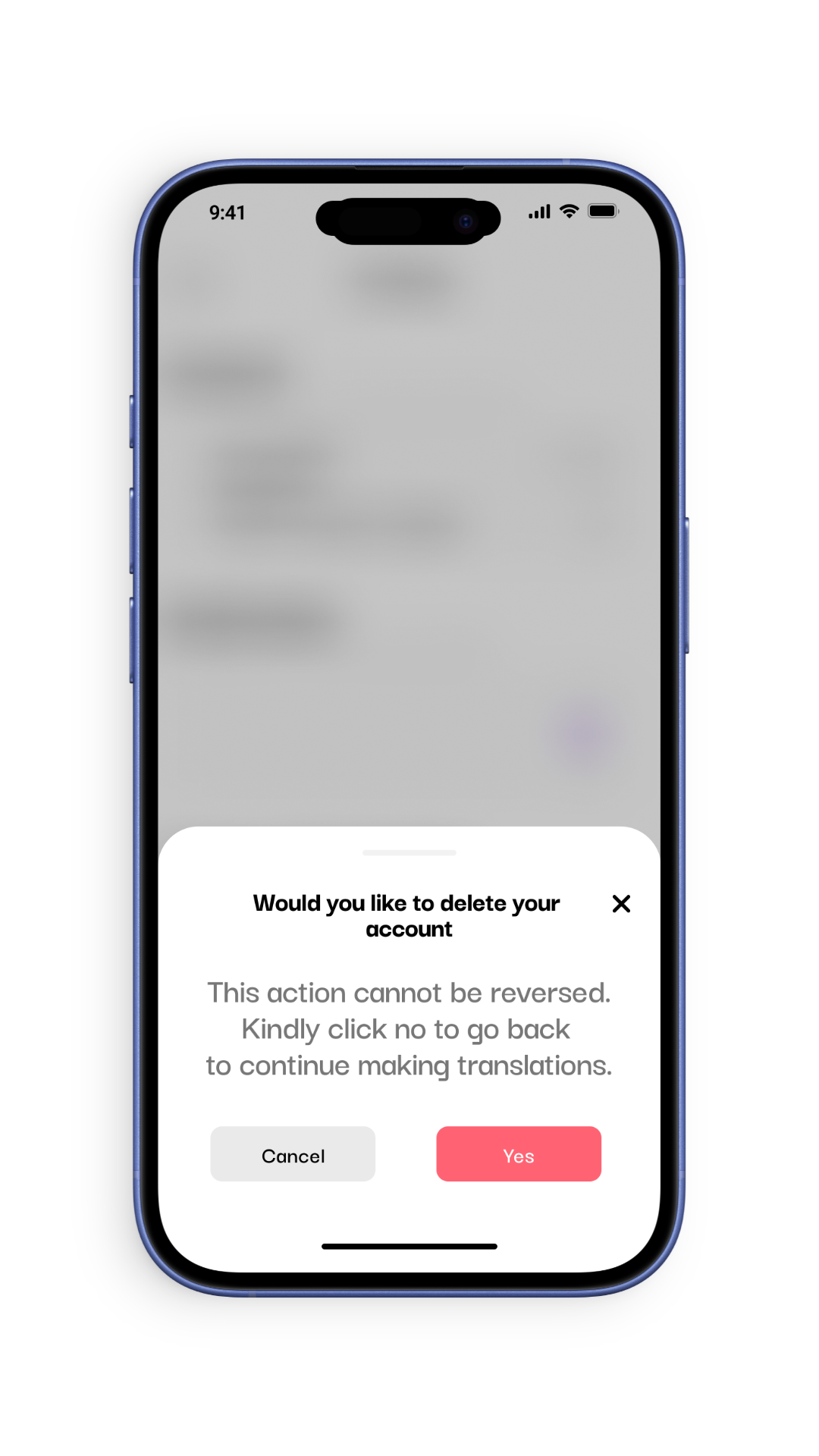
Select “Yes” to proceed
The app will show a confirmation prompt asking if you’re sure you want to delete your account. Select “Yes” to continue with the deletion process.
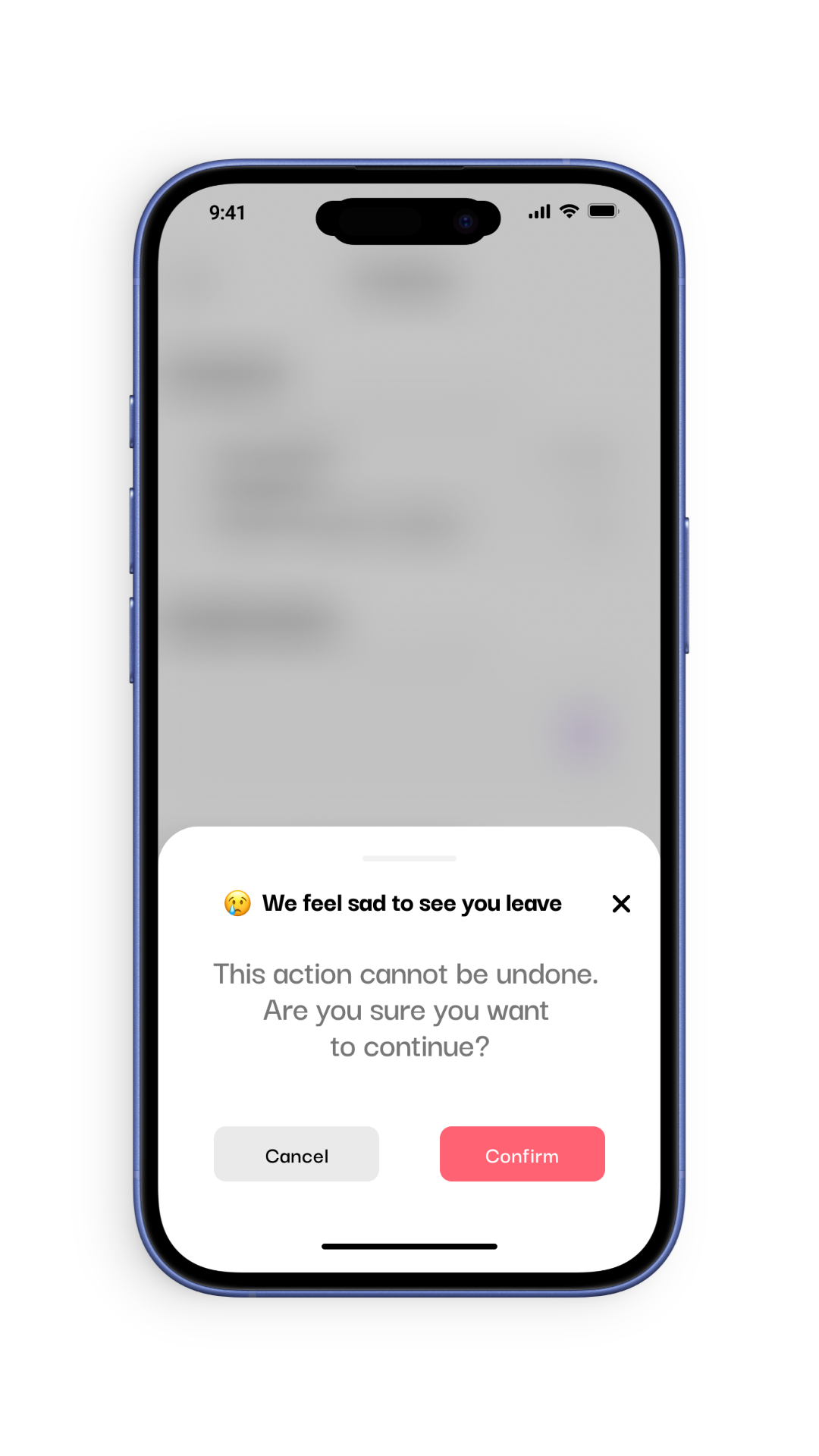
Select “Confirm”
As a final security measure, you’ll need to confirm your decision to delete the account. Tap “Confirm” to complete the account deletion process.
Login to your Babble account
Open the Babble Translator app on your device and log in using your translator credentials. Make sure you’re accessing the translator interface.
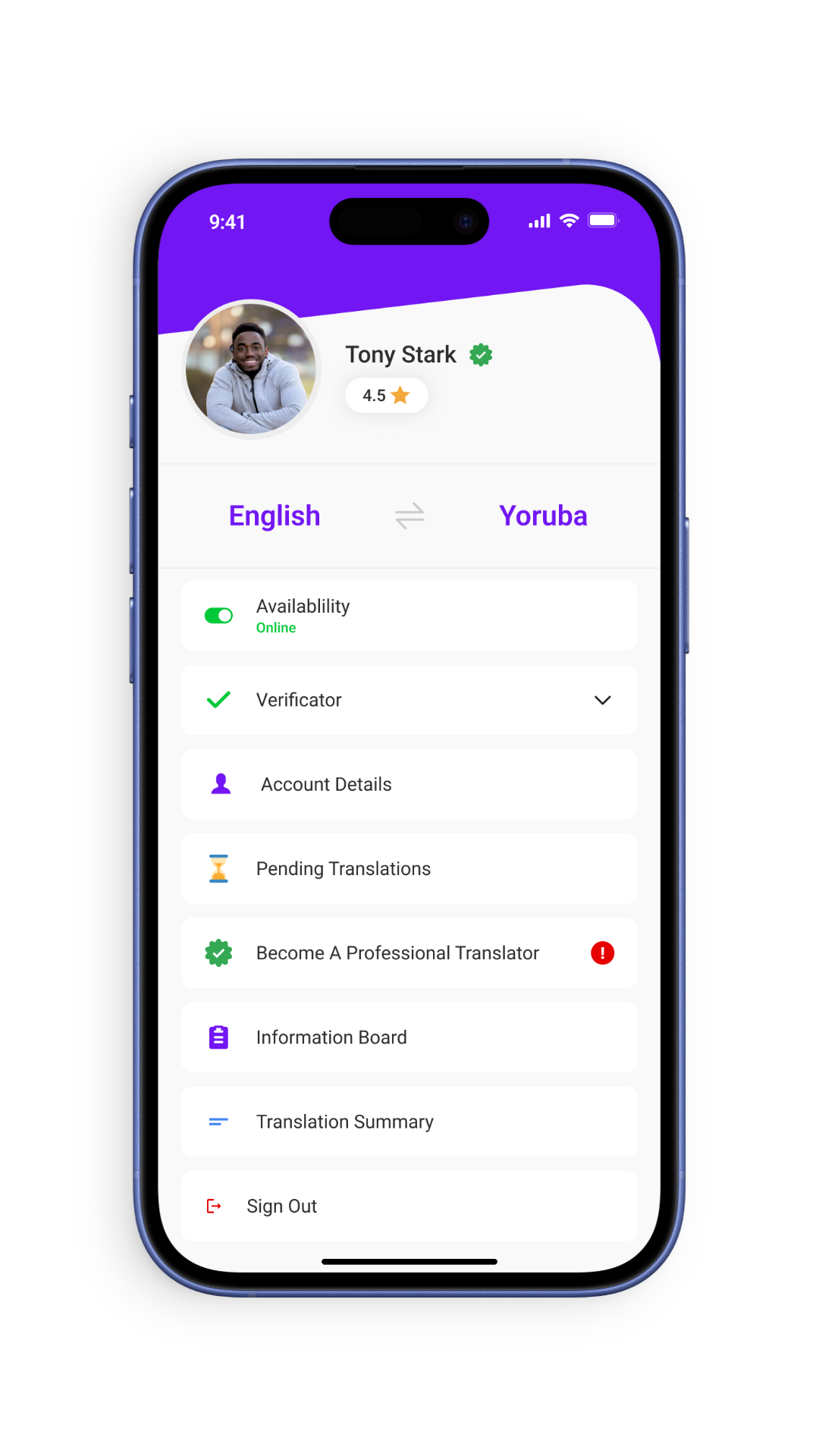
Select your account Details Dashboard
Navigate to your translator dashboard by tapping on your profile picture or the menu icon, then select “Account Details” or “Translator Dashboard”.
Tap on edit profile icon
On your Account Details page, locate and tap the edit profile icon (usually a pencil or gear symbol) to access your translator profile settings.
Select “Delete your account”
Scroll down to find the account deletion option at the bottom of the Edit Profile page. This may be labeled as “Delete Translator Account”.
Select “Yes” to proceed
Confirm that you want to proceed with account deletion when prompted. Note that this will permanently remove your translator profile and all associated data.
Select “Confirm”
As a final step, confirm your decision to delete your translator account. This action cannot be undone and will remove all your translation history and earnings data.
Important Note About Account Deletion
Deleting your Babble account is permanent and cannot be undone. This action will:
– Remove all your personal data from our systems
– Delete your translation history and preferences (for translators)
– Cancel any pending transactions or payments
– Make your username unavailable for future use
For translators: Deleting your account will also remove your translator profile, ratings, and any pending translation requests. We recommend withdrawing all available earnings before deletion.
How long does it take to delete my account?

Account deletion is typically processed immediately, but it may take up to 48 hours for all your data to be completely removed from our systems.
Can I recover my account after deletion?
No, account deletion is permanent. You would need to create a new account if you wish to use Babble again in the future. For translators, you would need to reapply to join the translator program.
What happens to my pending payments when I delete my account?
Any pending payments will be canceled. We recommend withdrawing all available funds before deleting your account. For translators, ensure all completed translations have been processed and paid out.
As a translator, can I delete my user account separately from my translator profile?
No, deleting your translator account will also delete your associated user account. These accounts are linked in our system.